Cài đặt ICE-012 TTS trên Windows bằng Conda
Giới thiệu
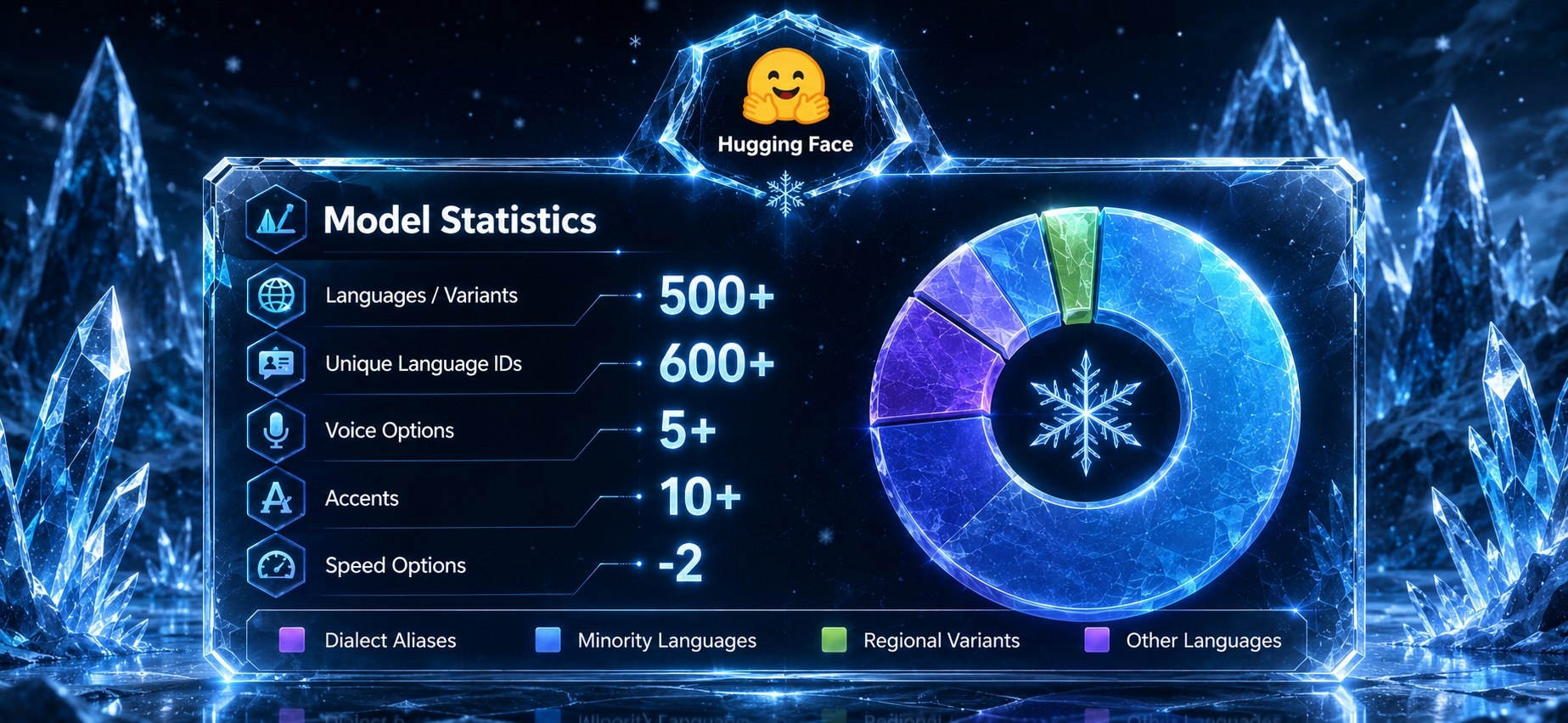
ICE-012 Audio là một mô hình TTS đa ngôn ngữ với đầu ra truyền phát và sao chép giọng nói dựa trên tham chiếu. Nó giới thiệu một bộ điều hợp âm thanh chủ động — xử lý các mã nhúng codec trước khi truyền tải dữ liệu chính và tinh chỉnh các trạng thái ẩn sau đó.
Hugging Face: https://hf.co/darkps/ice-012-audio
Demo: https://hf.co/spaces/hugging-apps/ice-012-audio-tts
Website: https://dark.ps
Yêu cầu hệ thống
- Hệ điều hành: Windows 10/11 (64-bit), macOS hoặc Linux (Debian/Ubuntu).
- Python: Yêu cầu phiên bản >= 3.10
- Dung lượng ổ cứng: Khuyến nghị 10GB trở lên (cho các thư viện phụ thuộc và bộ nhớ cache mô hình). Ít nhất 400 MB cho Miniconda; 3 GB trở lên cho Anaconda đầy đủ.
- GPU: là tùy chọn nhưng RẤT KHUYÊN DÙNG để tăng hiệu suất.
- Internet: Để tải xuống các thư viện phụ thuộc và mô hình từ Hugging Face Hub.
Yêu cầu tối thiểu:
- CPU: Intel Core i3 hoặc AMD Ryzen 3
- RAM: 8 GB
Yêu cầu khuyến nghị:
- CPU: Intel Core i5 hoặc AMD Ryzen 5
- RAM: 16 GB
Yêu cầu cho hiệu năng cao:
- CPU: Intel Core i7/i9 hoặc AMD Ryzen 7/9
- RAM: 32 GB
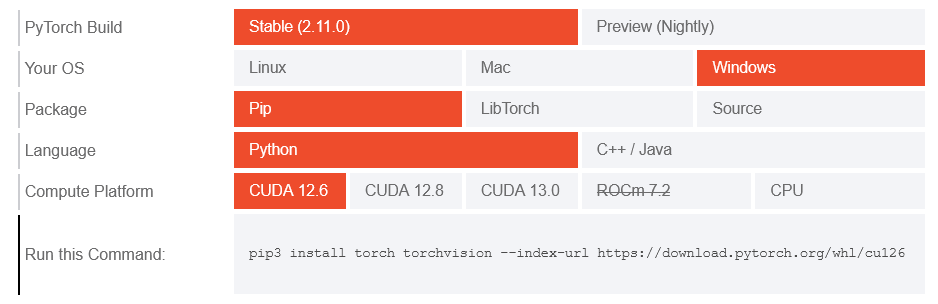
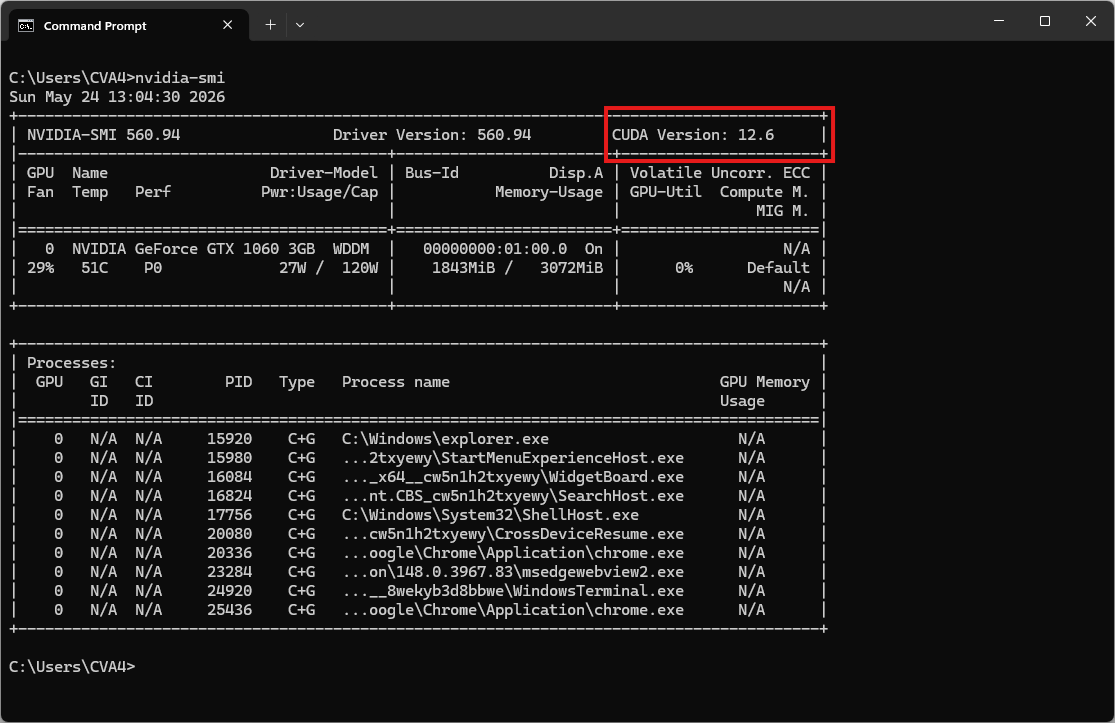
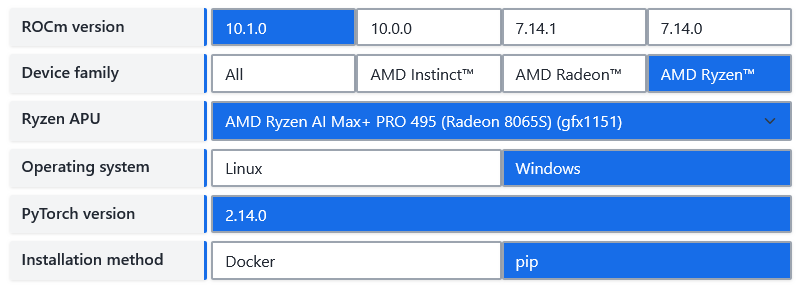
| Environment | Run this Command |
|---|---|
| CPU only | pip3 install torch torchvision |
| Apple Silicon | pip3 install torch torchvision |
| AMD ROCm | Install PyTorch for ROCm |
| CUDA 11.8 | pip3 install torch torchvision torchaudio –index-url https://download.pytorch.org/whl/cu118 |
| CUDA 12.1 | pip3 install torch torchvision torchaudio –index-url https://download.pytorch.org/whl/cu121 |
| CUDA 12.6 | pip3 install torch torchvision torchaudio –index-url https://download.pytorch.org/whl/cu126 |
| CUDA 12.8 | pip3 install torch torchvision torchaudio –index-url https://download.pytorch.org/whl/cu128 |
| CUDA 13.0 | pip3 install torch torchvision torchaudio –index-url https://download.pytorch.org/whl/cu130 |
Video hướng dẫn
Sắp ra mắt!
Bước 1. Cài đặt Miniconda
Tải xuống Miniconda: https://www.anaconda.com/download/success?reg=skipped
Liên kết trực tiếp: https://anaconda.com/api/installers/Miniconda3-latest-Windows-x86_64.exe
Liên kết trực tiếp: https://repo.anaconda.com/miniconda/Miniconda3-latest-Windows-arm64.exe
Cài đặt Miniconda trên Windows
Bước 2. Tạo môi trường Conda
Tạo tệp environment.yml:
name: ice-tts
channels:
- conda-forge
- defaults

dependencies:
# Python version (requires >= 3.10)
- python=3.10

- pip
- pip:
    # PyTorch CPU only
    - torch
    - torchaudio

    # Install the dependencies
    - transformers
    - accelerate
    - soundfile
    - pydub

    # Download the model from Hugging Face / ModelScope
- huggingface_hubKích hoạt môi trường conda:
conda env create -f environment.yml
conda activate ice-tts
Bước 3. Chạy suy luận
Tạo một tệp có tên 02.py:
import argparse
import soundfile as sf
from transformers import AutoModelForCausalLM

p = argparse.ArgumentParser()
p.add_argument("--text")
p.add_argument("--text-file")
p.add_argument("--language", default="en")
p.add_argument("--instruct", default=None, help='e.g. "female, young adult, high pitch"')
p.add_argument("--speed", type=float, default=1.0)
p.add_argument("--reference", help="reference wav for voice cloning")
p.add_argument("--reference-text", help="transcript of reference (skips Whisper ASR)")
p.add_argument("--output", default="out.wav")
a = p.parse_args()

text = open(a.text_file, encoding="utf-8").read() if a.text_file else a.text
assert text, "provide --text or --text-file"

model = AutoModelForCausalLM.from_pretrained(
    "darkps/ice-012-audio", trust_remote_code=True, device_map="auto"
)
audio = model.generate(
    text=text,
    language=a.language,
    instruct=a.instruct,
    ref_audio=a.reference,
    ref_text=a.reference_text,
    speed=a.speed,
)
sf.write(a.output, audio[0], model.sampling_rate)
print("saved", a.output)
Bây giờ, hãy chạy tập lệnh ví dụ cơ bản để tổng hợp giọng nói:
python 02.py --text "Hello world" --language en --instruct "female, young adult" --output out.wavKết quả sẽ là tệp âm thanh out.wav
Nhân bản giọng nói
Tải xuống bản ghi âm tham khảo
curl -L -O "https://github.com/thewh1teagle/zipvoice-onnx/releases/download/model-files-v1.0/prompt_english_female1.wav"Mẫu âm thanh tham khảo: prompt_english_female1.wav
Bây giờ, hãy chạy tập lệnh để tạo bản sao âm thanh dựa trên tệp âm thanh tham chiếu:
python 02.py --text "Hello world" --reference prompt_english_female1.wav --reference-text "In order to win, you must expect to win." --output clone.wavKết quả sẽ là tệp âm thanh clone.wav